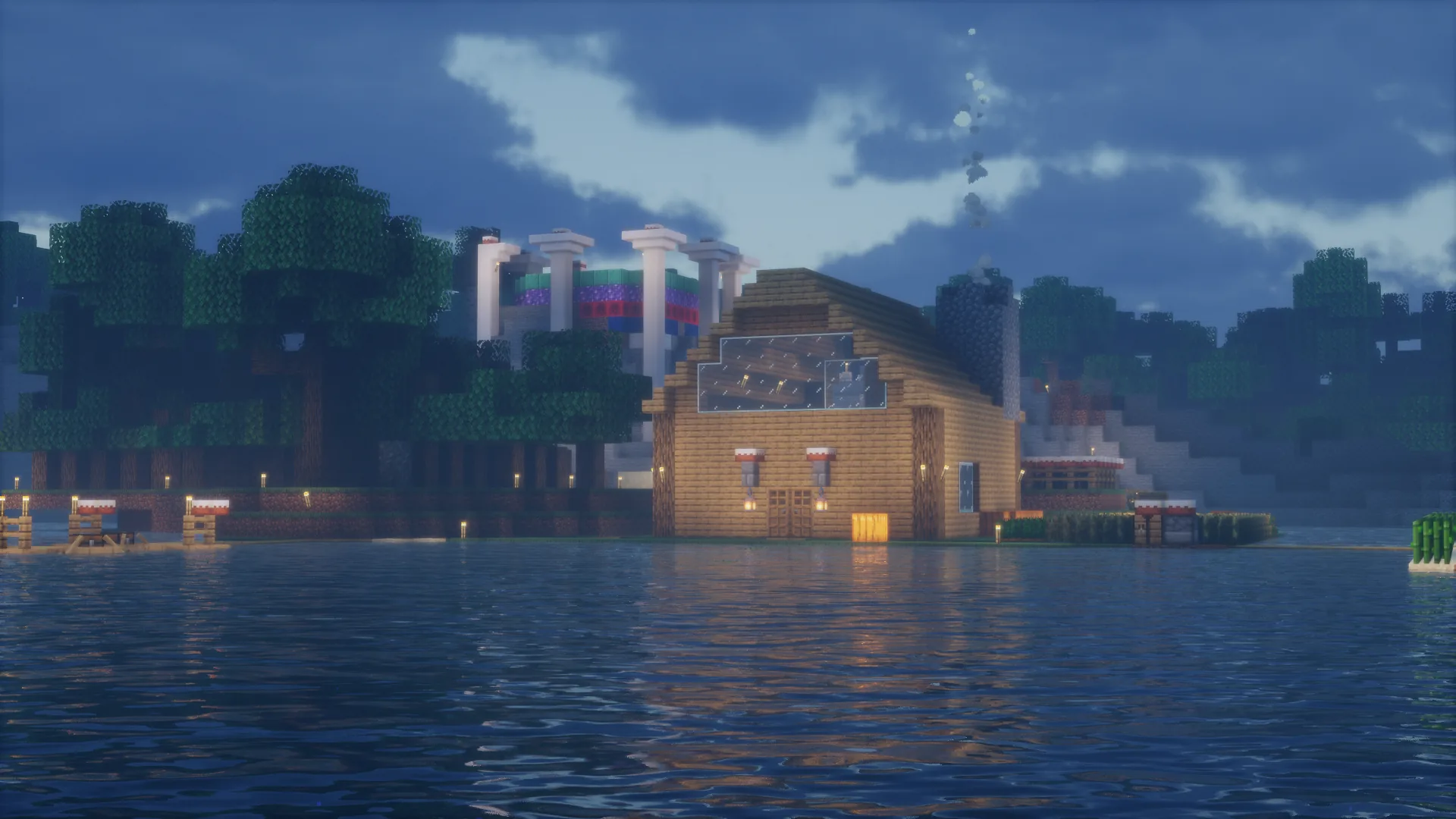
 Built by .Ironlegend445 in collaboration with BillyGaming2021 · Photo by BillyGaming2021
Bedrock Edition
How to Join
Works on mobile, console, and Windows 10/11 Edition · Port 19132
Bedrock Edition is currently offline. The server may be restarting or undergoing maintenance. Java Edition may still be available — check the Java page or the Discord for updates.
Requirements
Minecraft Bedrock — latest version
⚠️ When new Minecraft versions release, BillySMP will stay on the previous version until GeyserMC has updated or has a stable beta available.
📱iOS / Android
💻Windows 10/11 Edition
🎮Console (Xbox / PS / Switch)
1
Open Minecraft
Launch the game and reach the main menu. This works on any Bedrock platform — phone, tablet, console, or Windows.
2
Go to Play → Servers
Tap or click Play, then select the Servers tab. Scroll to the bottom and tap Add Server.
3
Enter the server details
Fill in a name for the server, then enter the address and port below.
Server Address
billysmp.ddns.net
Copied!
Port
19132
Copied!
4
Save and connect
Tap Save, then select the server from your list and tap Join Server. You'll land in the main BillySMP lobby.
5
Type the magic words
You'll land in the main BillySMP lobby first — that's normal. Once you're loaded in, type in chat:
/server survival to join the world.6
Read the rules, then verify
You'll be stuck in adventure mode until you do. Read the rules, then head to the verify page (or run
/verify in Discord) with your username.
Console (Xbox · PlayStation · Switch)
Console players join through the Friends tab in Minecraft Bedrock.
Add BillySMP6317 on Xbox Live, then open Minecraft → Play → Friends and join from there.
🎮 View Xbox Profile — BillySMP6317 →
Add BillySMP6317 on Xbox Live, then open Minecraft → Play → Friends and join from there.
🎮 View Xbox Profile — BillySMP6317 →
Voice Chat
This server has optional in-game voice chat via Simple Voice Chat.
Bedrock players can't use the mod — join a Discord voice channel and type
Bedrock players can't use the mod — join a Discord voice channel and type
/dvc start in-game. Type /dvc stop to disconnect.
New Here?
Head to the rules page and hop in the Discord to get started.