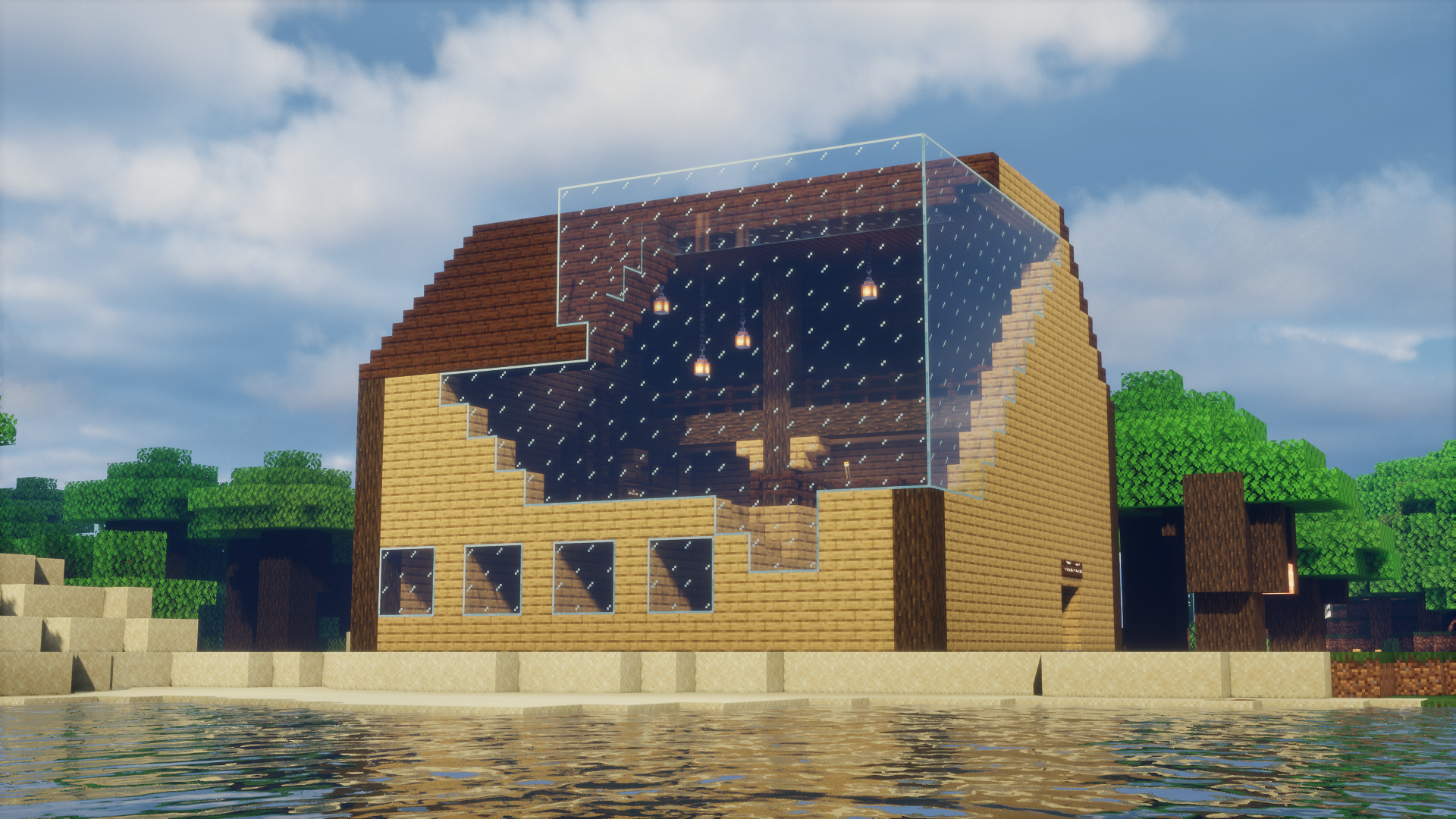
📷 BillyGaming2021 (Java)
Java Edition
How to Join
Minecraft Java 1.26.2 or newer · Port 25565
No better info than the source itself — straight from our own bot, no third-party checkers.
Java Edition is currently offline. The server may be restarting or undergoing maintenance. Check the Discord for updates, or try again in a few minutes.
Requirements
Minecraft Java 1.26.2
Optional mods up to date (e.g. Simple Voice Chat)
⚠️ When new Minecraft versions release, BillySMP will stay on the previous version until GeyserMC has updated or has a stable beta available. We also run ViaVersion/ViaBackwards, so slightly older or newer clients can usually still connect even outside that window.
1
Open Minecraft Java
Launch the game and get to the main menu. Make sure you're on version 1.26.2 or newer.
2
Go to Multiplayer
Click Multiplayer from the main menu, then click Add Server.
3
Enter the server address
Set the Server Name to anything you'd like, then paste the IP below into the Server Address field.
billysmp.ddns.net
Copied!
4
Click Done, then Join Server
Save the server and double-click it to connect. You'll land in the main BillySMP lobby.
5
Type the magic words
You'll land in the main BillySMP lobby first — that's normal. Once you're loaded in, type in chat:
/server survival to join the world.
Voice Chat
This server has optional in-game voice chat via Simple Voice Chat.
No mod installed? Join a Discord voice channel and type
No mod installed? Join a Discord voice channel and type
/dvc start in-game. Type /dvc stop to disconnect.
Note on Mods
No schematics or auto-building mods allowed. This is a forever world — build it yourself over time. YouTube tutorials are fine, Litematica-style mods are not. Check the full rules before joining.
New to the server? Head to the rules page and the Discord to get whitelisted and get started.