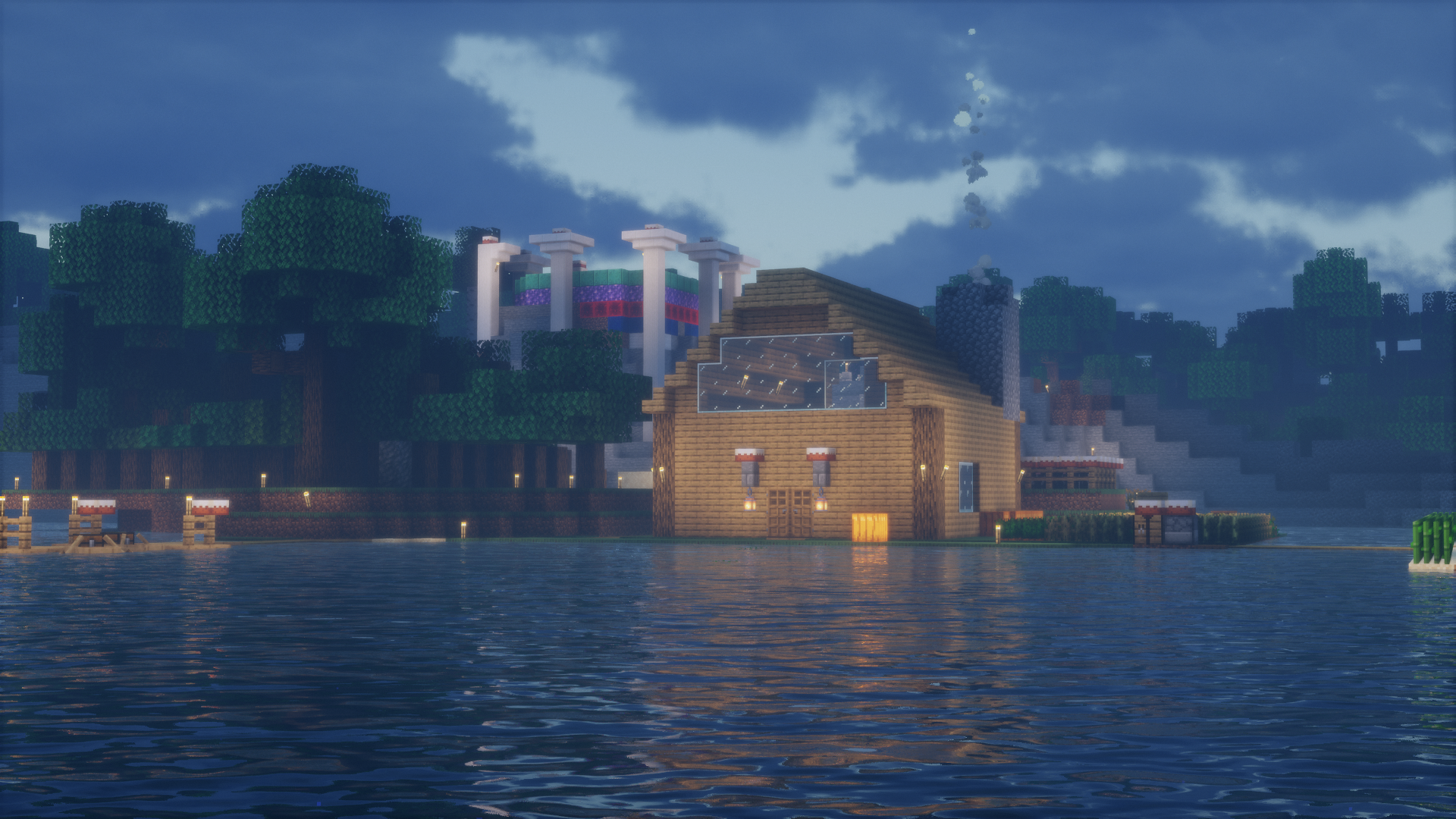
📷 BillyGaming2021 (Bedrock)
Bedrock Edition
How to Join
Works on mobile, console, and Windows 10/11 Edition · Port 19132
Bedrock Edition is currently offline. The server may be restarting or undergoing maintenance. Java Edition may still be available — check the Java page or the Discord for updates.
Requirements
Minecraft Bedrock — latest version
⚠️ When new Minecraft versions release, BillySMP will stay on the previous version until GeyserMC has updated or has a stable beta available.
📱iOS / Android
💻Windows 10/11 Edition
🎮Console (Xbox / PS / Switch)
1
Open Minecraft
Launch the game and reach the main menu. This works on any Bedrock platform — phone, tablet, console, or Windows.
2
Go to Play → Servers
Tap or click Play, then select the Servers tab. Scroll to the bottom and tap Add Server.
3
Enter the server details
Fill in a name for the server, then enter the address and port below.
Server Address
billysmp.ddns.net
Copied!
Port
19132
Copied!
4
Save and connect
Tap Save, then select the server from your list and tap Join Server. You'll land in the main BillySMP lobby.
5
Type the magic words
You'll land in the main BillySMP lobby first — that's normal. Once you're loaded in, type in chat:
/server survival to join the world.
Console (Xbox · PlayStation · Switch)
Console players join through the Friends tab in Minecraft Bedrock.
Add BillySMP6317 on Xbox Live, then open Minecraft → Play → Friends and join from there.
Xbox profile → BillySMP6317
Add BillySMP6317 on Xbox Live, then open Minecraft → Play → Friends and join from there.
Xbox profile → BillySMP6317
Voice Chat
This server has optional in-game voice chat via Simple Voice Chat.
Bedrock players can't use the mod — join a Discord voice channel and type
Bedrock players can't use the mod — join a Discord voice channel and type
/dvc start in-game. Type /dvc stop to disconnect.
New here? Check out the server rules and hop in the Discord to get whitelisted.